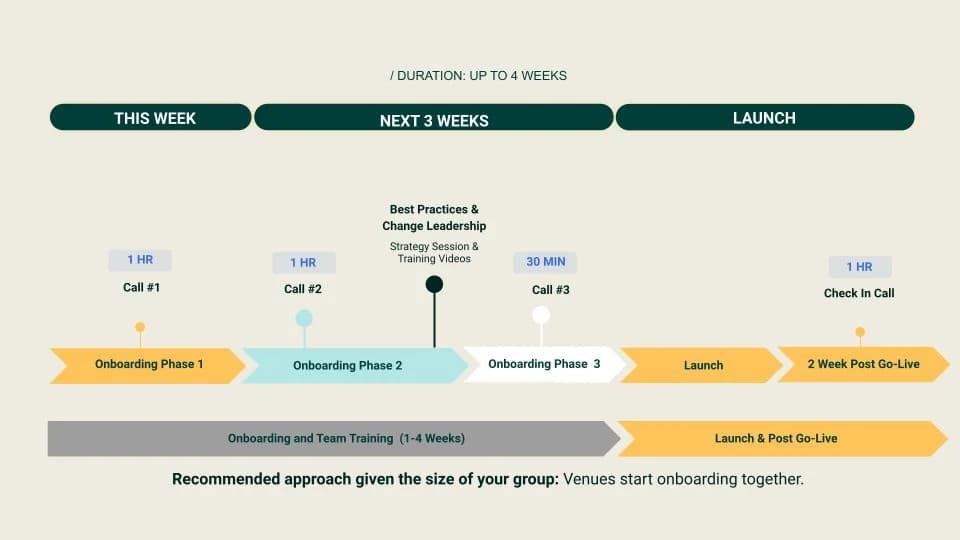
🗓 Onboarding Timeline
Time is of the essence! By dedicating a few hours each week to configuring your account, we can get you up and running in as little as 2 weeks.
The following tasks are mandatory in order to use SevenRooms and begin onboarding:
- Submit your floorplan.
- Order or procure hardware.
- Schedule a Kickoff Call and ensure you are able to join a Zoom or Google Meet via a computer.
⚠️ Hardware Requirements
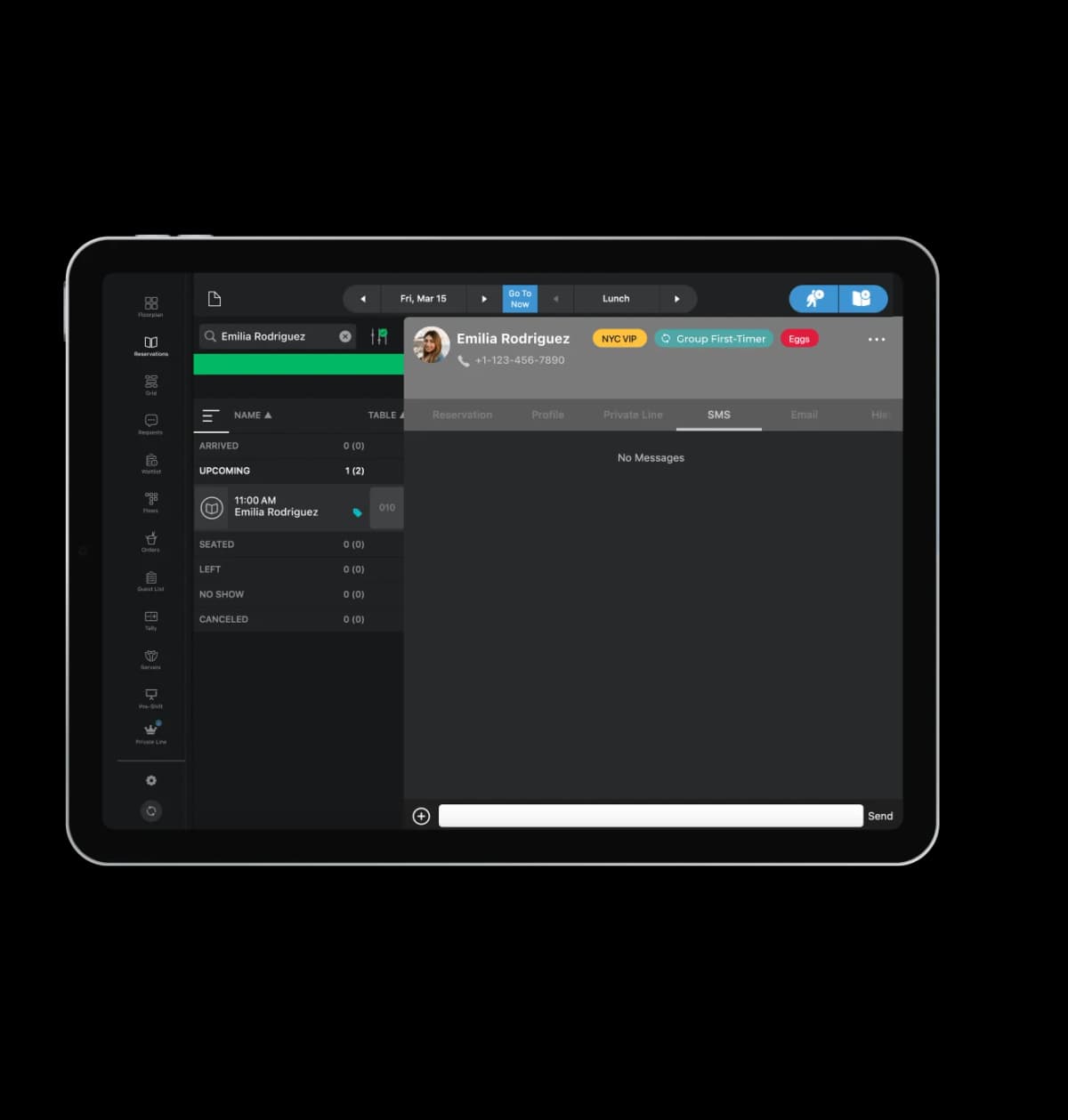
- An iPad or iOS device is required. We recommend purchasing devices that support the latest iOS.
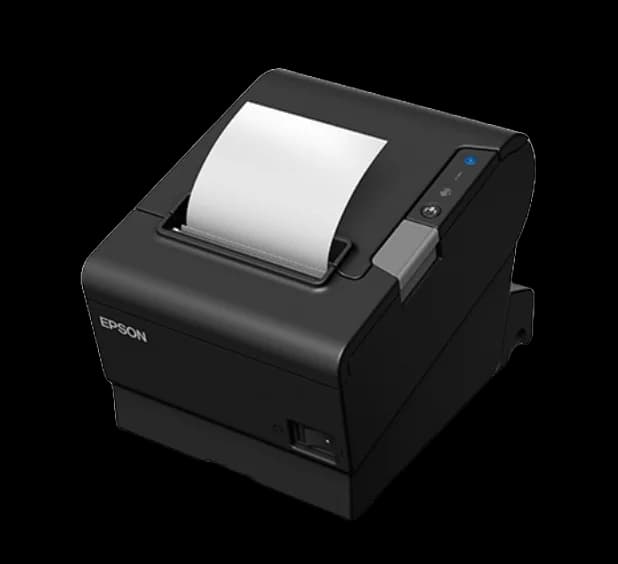
- A chit printer, lock stand, and bluetooth keyboard are recommended.

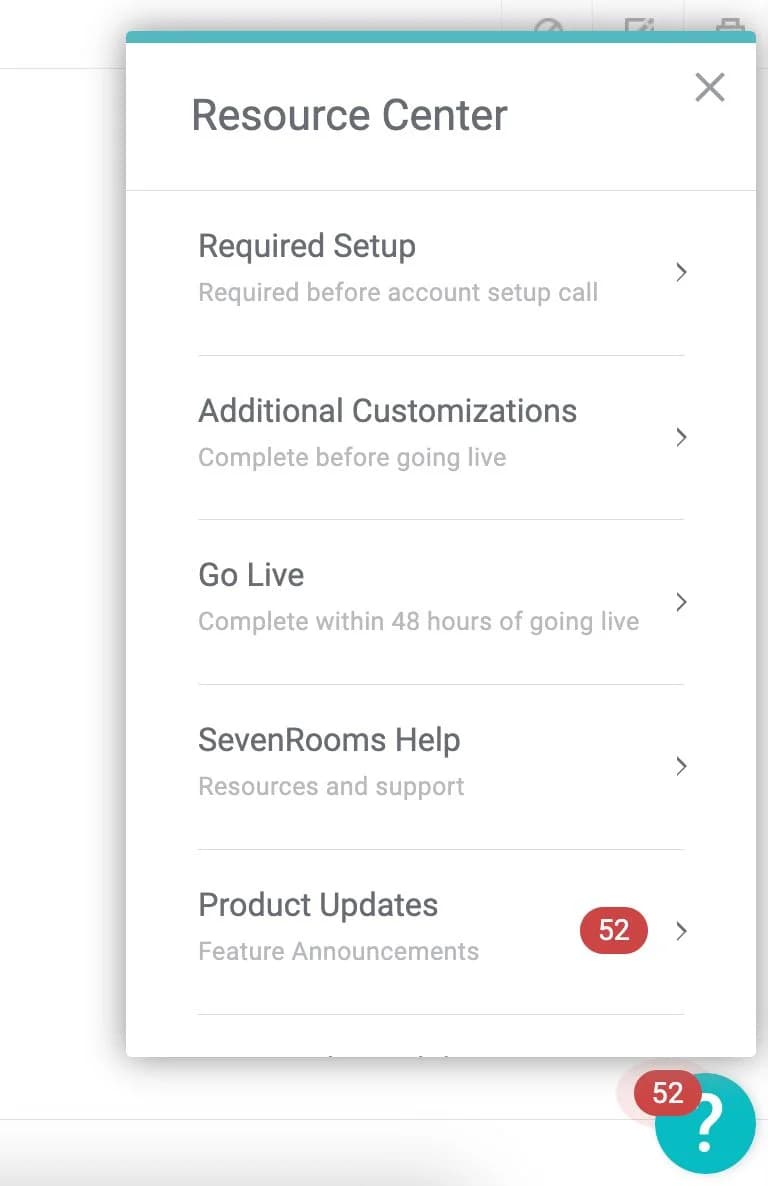

🚀 Prepare for Your Kickoff Call
Log in via sevenrooms.com to access the Resource Center in the bottom right corner of the screen. The Required Setup tab is an interactive step-by-step guide that will take you through the basics prior to your Kickoff Call.