
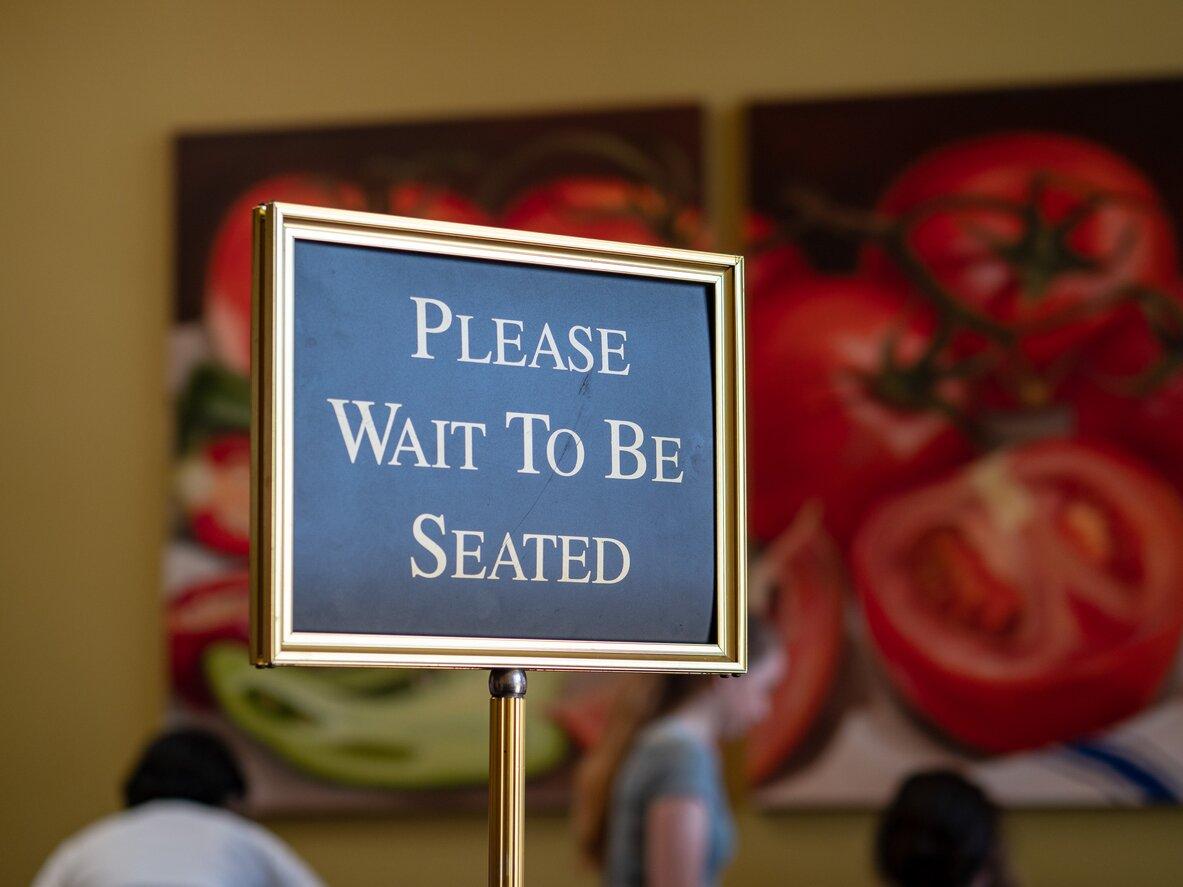
If you’re a restaurant owner or GM, you know the dinner rush can feel like organized chaos. Hosts are often juggling handwritten lists or Excel spreadsheets. Guests crowd the waiting area asking, “How much longer?” Staff scramble to keep up. You want to provide great hospitality, but the manual waitlist and buzzer system make it harder, not easier.
A restaurant waitlist management system changes that. It gives guests more control, frees up staff time and builds the foundation for repeat business. When you know who’s waiting, you can deliver better service at every touch point and optimize every part of your restaurant management workflow.
What is a virtual waitlist?
A virtual waitlist for restaurants, or a waitlist management system, is a digital tool that lets guests add themselves to your waiting list from their phone, a QR code or your website, without crowding the host stand or calling in. It replaces manual and paper lists with a check-in that takes seconds and a wait time guests can plan around.
How guests can join a virtual waitlist
Joining a waitlist app is simple, convenient and completely digital because guests can join directly on their phones. Here’s how it works:
- Guests find your restaurant online. A “Join the Waitlist” button can appear on your Google Business listing, website or social media profile.
- They join the waitlist onsite. Guests add themselves via QR codes, SMS or at the host stand, and see their spot in the queue instantly.
- They enter their details. Guests add their name, party size and contact info. Guests can also include notes like allergies or special occasions.
- They receive real-time updates. After joining, guests get automated SMS notifications with accurate wait times and alerts when their table is ready.
- They stay engaged. Links in messages can take them to your menu, specials or upcoming events, turning a long wait into pre-dining anticipation instead of frustration.
By making joining effortless, restaurants reduce crowding, improve communication and set the tone for a better overall user experience.
Not sure which reservation system to use? Here is a breakdown of the best restaurant reservation software by service model.
How a restaurant waitlist management system works
Guests only see their side of the waitlist: a link, a few texts and then a table. Behind the host stand, the system is doing five jobs at once, and each one replaces something a host used to handle from memory.
- It quotes the wait. When a party joins, the system checks the open tables, the parties ahead and how long each table usually takes, then gives the guest a time they can plan around. A quote built from the floor in front of you holds up better than a host's best guess on a packed night.
- It keeps the guest updated. Automated texts confirm the spot, share a link to their place in line and tell them when the table is ready. With two-way texting, a guest can reply that they're five minutes away instead of calling the host stand.
- It shows the host the whole floor. Walk-ins and reservations sit side by side in one floor view, so the host can see which table frees up next and which party it suits. The host can also see each party's original quote and how long they've waited, which makes it easier to update a guest before they come and ask.
- It fills gaps when plans change. When a reservation cancels, the system can alert waitlisted guests the moment the table opens, and some tools let you offer it to regulars first.
- It records what happened. Every party that joined, waited, sat or left becomes data: your average wait by day, how accurate your quotes were and how many guests gave up before they were seated.
In SevenRooms, the seating algorithm weighs more than 10,000 seating combinations per second to set each quote, and Priority Alerts notify waitlisted guests the moment a cancelled table opens.
What a waitlist management system should do
Use this table to check the tool you have, or the one you're considering, against the jobs above.
| Feature | What it does | Why it matters |
|---|---|---|
| Online and onsite check-in | Guests join from Google, your website, your social profiles or a QR code at the door | Guests who can join before they arrive are less likely to try the restaurant next door |
| Accurate wait quotes | Sets each quote from live table status and typical turn times | A quote that holds keeps guests from walking out |
| Two-way texting | Sends updates and lets guests reply | The host stand stops fielding "how much longer?" all night |
| Waitlist and reservations in one view | Shows walk-ins and bookings on the same floor plan | Hosts can seat walk-ins without bumping a booking |
| Wait times across locations | Lets guests compare the wait at each of your venues | A guest facing a long wait at one venue can choose another of yours |
| Guest profiles | Saves name, contact details, visit history and notes | Walk-ins become guests you can recognize and invite back |
| Reporting | Tracks average wait, quote accuracy and walkaways | You can staff and pace service from what actually happened |
If you're comparing tools against this list, our roundup of the best restaurant waiting list apps covers six options and the questions to ask before you choose one.
Benefits of a virtual waitlist
A virtual waitlist modernizes how you manage guests, improving every aspect of your operation, from guest satisfaction to staff efficiency to long-term loyalty. Here are a few advantages of improving your waitlist management using a digital system:
1. Deliver better guest experiences from the start
The guest journey starts at discovery (for example, your online reservation system) and is cemented at your host stand. How they interact with your restaurant sets the tone well before they sit down to dinner.
When guests decide to book a table with you, a virtual waitlist immediately adds them to your queue and provides estimated wait times, which provides transparency into your processes.
The ability to set realistic expectations early makes guests feel cared for and appreciated, ultimately improving your abandonment rate.
Guest-facing advantages to adding a virtual waitlist include:
- Less uncertainty: Guests can see their place in line in real time. Diners are far more patient when they know what’s happening and that the process for seating is structured and fair.
- Clear communication: SMS updates like “You’re next” keep everyone informed and reduce interruptions to the host stand. Our 2025 Restaurant Industry Trends Report reveals that nearly half of Americans (48%) prefer text messages from restaurants, especially for time-sensitive updates, making SMS the perfect way to build credibility with guests.
- Reduced walkouts: Accurate wait times and proactive updates at check-in reassure guests they haven’t been forgotten.
Have multiple locations? With SevenRooms’ Virtual Waitlist, guests can browse wait times across all your restaurants and choose the location that works best for them. It’s an effortless way to keep customers “in the family” and out of your competitor’s dining room.
2. Empower staff with smoother front-of-house operations
For hosts and managers, the dinner rush can be stressful. A virtual waitlist automates time-consuming manual tasks and eliminates guesswork, allowing your team to focus on delivering personal touches that elevate guest experience instead of logistics.
Staff benefits include:
- No more paper or manual lists: Names, reservation slots and party sizes are tracked digitally, helping you ditch manual systems that are more susceptible to lost names or duplication errors.
- Real-time table status: The integrated dashboard shows live updates on capacity, guest flow and turnover. When synced with your POS integration, your hosts can seat more efficiently.
- Reduced stress: Less manual tracking means smoother pacing, calmer service, and better communication between hosts, servers and the kitchen. If your waitlist app has two-way SMS capabilities, guests can also text you if they’re running late.
3. Build richer guest profiles for personalized experiences
Every time someone joins your virtual waitlist, you generate a guest profile with contact info that helps you build lasting relationships. For returning guests, their visit history, order preferences and feedback appear. Use these data-rich guest profiles to personalize experiences and target marketing.
Equipping your automated waitlist to collect and store contract information lets you:
- Treat walk-ins like regulars: When waitlist data is linked with your CRM and restaurant management tools, you create one, unified guest record. This makes it easy to identify returning guests and greet them by name, even if they’ve never made a reservation.
- Win-back missed opportunities: If a guest joins the waitlist but decides to leave before being seated, SevenRooms can trigger an automated email or SMS inviting them back with an offer like a complimentary appetizer on their next visit.
4. Turn waitlist guests into regulars
The power of a virtual waitlist doesn’t end when guests are seated. Once their information is in your system, you have everything you need to re-engage them long after the meal is over.
Use that invaluable guest data to stay connected once they’ve left your restaurant. To do this effectively, you’ll need a restaurant CRM like SevenRooms that stores each guest’s name, contact information, visit history and preferences, and lets you reach them automatically through personalized email or SMS campaigns.
Personalization doesn’t have to be a big, complicated endeavor. The smallest gestures go a long way in forging lasting relationships.
Simple ways to re-engage walk-ins:
- Send a thank-you message within 24 hours. A quick automated note like, “Thanks for dining with us tonight. We loved having you and can’t wait to see you again soon,” keeps the connection fresh and authentic.
- Follow up with exclusive offers or local events. A small nudge often sparks a repeat visit. In the 2026 Restaurant Industry Trends Report, 63% of consumers said a restaurant's specific recommendation or follow-up prompted them to come back, so a small, well-timed nudge makes a real impact.
- Personalize your outreach with guest insights. Reference something specific from their last visit. Their favorite dish, an anniversary celebration or even a preferred server. These details show genuine care and make every message feel intentional.
- Reward loyalty with access, not discounts. 74% of consumers say they plan to or have already returned to a restaurant after a unique experience, according to our 2025 Restaurant Industry Trends Report. Guests are willing to pay for exclusivity like curated tasting menus, early access to holiday reservations or special VIP events, when it feels designed just for them.
5. Use insights to improve staffing and flow
When your waitlist, POS and reservations are connected, you can see how your restaurant really runs and how to make it even better. These insights turn your waitlist into a strategic asset, not just for seating guests faster, but for running a more efficient, profitable operation.
Actionable insights uncovered using a waitlist management system include:
- Peak wait times for staffing needs: Identify when your team is busiest and adjust schedules accordingly. Use this data to plan smarter shifts and avoid under- or overstaffing.
- Conversion rates: Track how many waitlisted guests you seat versus those who leave. If your abandonment or cancel rate keeps climbing on the same nights, you may need to adjust your table time slots or turnover rate.
- Staff efficiency: Analyze which sections or team members experience longer “seat-to-order” or “order-to-check” gaps, and add training or support as needed. You can also track which guests joined your marketing list or left positive reviews, and reward servers accordingly.
Restaurants using SevenRooms analytics have uncovered surprising patterns, like higher walkouts on specific days or underperforming time slots. With that data, they can adapt staffing, floor plans and marketing to capture more revenue.
How to manage the waitlist during a busy shift
A waitlist system won't run a rush on its own. The host still decides what to quote, who to seat and when to stop adding names, and those are the calls guests remember on the way home.
- Quote a range and give yourself a little room. "About 25 to 30 minutes" sets a clearer expectation than "not long", and a guest seated a few minutes early is happier than one seated late. If the floor slows down, send an updated time before the guest has to ask.
- Send updates at set points. A text when the party is three tables away gives guests time to finish a drink at the bar or walk back from the shop next door, so they arrive as the table is ready rather than crowding the door.
- Give guests something to do while they wait. Put your menu, specials and upcoming events in the waitlist link. A guest who has already decided what to order is ready when they sit down, which helps the table turn on time.
- Seat by table mix, not only by arrival time. A party of two can often take a two-top that just opened while the four-top ahead of them keeps waiting. Explain how you seat when you give the quote, so guests don't think someone skipped the line.
- Spot regulars in the queue. If a regular or a VIP joins the list, the host should know before they reach the stand. Tags and notes on the guest profile make that possible when the room is full.
- Close the list before the kitchen closes. When the last seating is full, stop taking names and offer guests a reservation for another night. A clear answer with another option keeps the guest, while a wait that never moves usually loses them.
For the words your hosts can use at the stand, see our guide to running the waitlist with hospitality
Transform your waitlist into a growth engine
A virtual waitlist is both a tech and hospitality upgrade. It gives guests more freedom, reduces staff stress and provides operators with the insights to make smarter decisions.
SevenRooms waitlist software connects reservations, walk-ins and waitlist data in one platform. Your team can view guest profiles, manage cancellations and track performance in real time through a single dashboard.
Restaurant waitlist management FAQs
How do waitlist management systems work at restaurants?
Guests join from their phone, a QR code or your website, and the system quotes a wait time based on your open tables and the parties ahead. It sends text updates while they wait, tells them when the table is ready and saves each party to a guest profile you can use after the meal.
How do I manage customer waiting time in restaurants?
Ideally, you keep guests informed to reduce perceived wait times. You can do this by using a virtual waitlist system that provides accurate wait times, digital check-in and real-time updates.
How can a virtual waitlist improve guest satisfaction?
Guests get accurate wait times, the ability to join from anywhere, and transparent SMS notifications that make waiting stress-free and more enjoyable.
Can virtual waitlists help with marketing?
Yes. Guest data collected through the waitlist flows into your CRM, enabling personalized email and SMS campaigns that drive repeat visits.
What data can I collect with a virtual waitlist?
With SevenRooms virtual waitlist, you can capture guest names, contact info, visit history, order preferences and review data, all linked in one CRM for personalized marketing and service.
What is the purpose of a waitlist in a reservation system?
A waitlist holds the demand your reservation book can't: walk-ins, parties who couldn't find a slot and guests who would take a table if one opened. When a reservation cancels, the waitlist gives you someone to fill the table instead of leaving it empty.
Can I use a waitlist and reservations at the same time?
Yes. Many restaurants take reservations for larger parties and run a waitlist for smaller ones, or keep a few tables for walk-ins once the book is full. Managing both in one floor view lets the host seat walk-ins without bumping a booking.


